
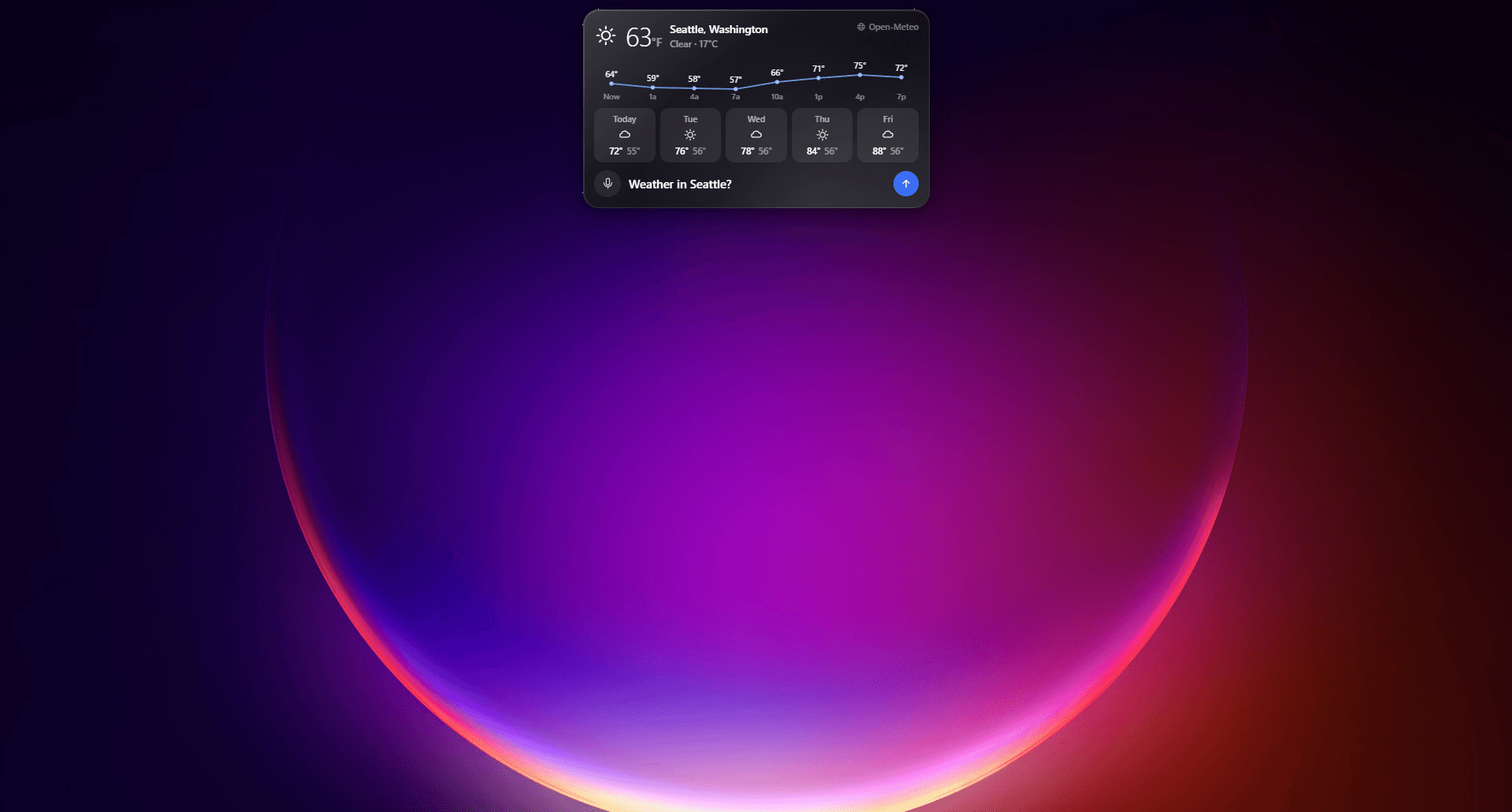
01RIFT LISTENS
Open it from any app
Press Ctrl + Shift + Space, click Start asking, and speak naturally. Rift stops recording when you pause.

Explain thisWhat do I click?SummarizeTry again
Ask about this window, or hold CtrlShiftSpace to talk
Talk to Rift from anywhere. Get answers about your screen, learn unfamiliar software, and complete everyday tasks across Windows and macOS. In development now — join the waitlist to get an early invite.

The overlay captures context on demand, answers questions, completes supported actions, and saves the result locally.
Press Ctrl + Shift + Space, click Start asking, and speak naturally. Rift stops recording when you pause.
On request, Rift combines the active screen with open Windows apps, Chrome tabs, page structure, and media state.
Messages and other external communications remain unsent until you review the exact recipient and content and approve once.
Nothing will be sent until you approve.
Only when you ask. It takes in the window you are working in, so you never have to describe it first.
Press the shortcut from any application. The answer arrives with your screen already in mind.
Ask about this window, or hold CtrlShiftSpace to talk
“Pause my music.”
I can handle everyday controls without interrupting your flow.
Rift combines operating-system accessibility tools, keyboard shortcuts, application integrations, and approved APIs.
| Capability | Traditional voice assistant | Basic automation | Rift Co-Worker |
|---|---|---|---|
| Natural conversation | Yes | No | Yes |
| Screen context | No | No | Yes |
| Cross-app tasks | No | Limited | Yes |
| Step-by-step guidance | Limited | No | Yes |
| Action confirmation | No | Varies | Yes |
| Result verification | No | No | Yes |
| Scoped agent permissions | No | No | Yes |
Everything we can share about Rift before launch.
Rift is a desktop AI assistant that can answer questions about your screen, guide you through software, and perform approved computer tasks.
Rift Co-Worker is still in development and not publicly available yet. Join the waitlist and we’ll email your invite when your spot opens.